
Setup asks for funds again
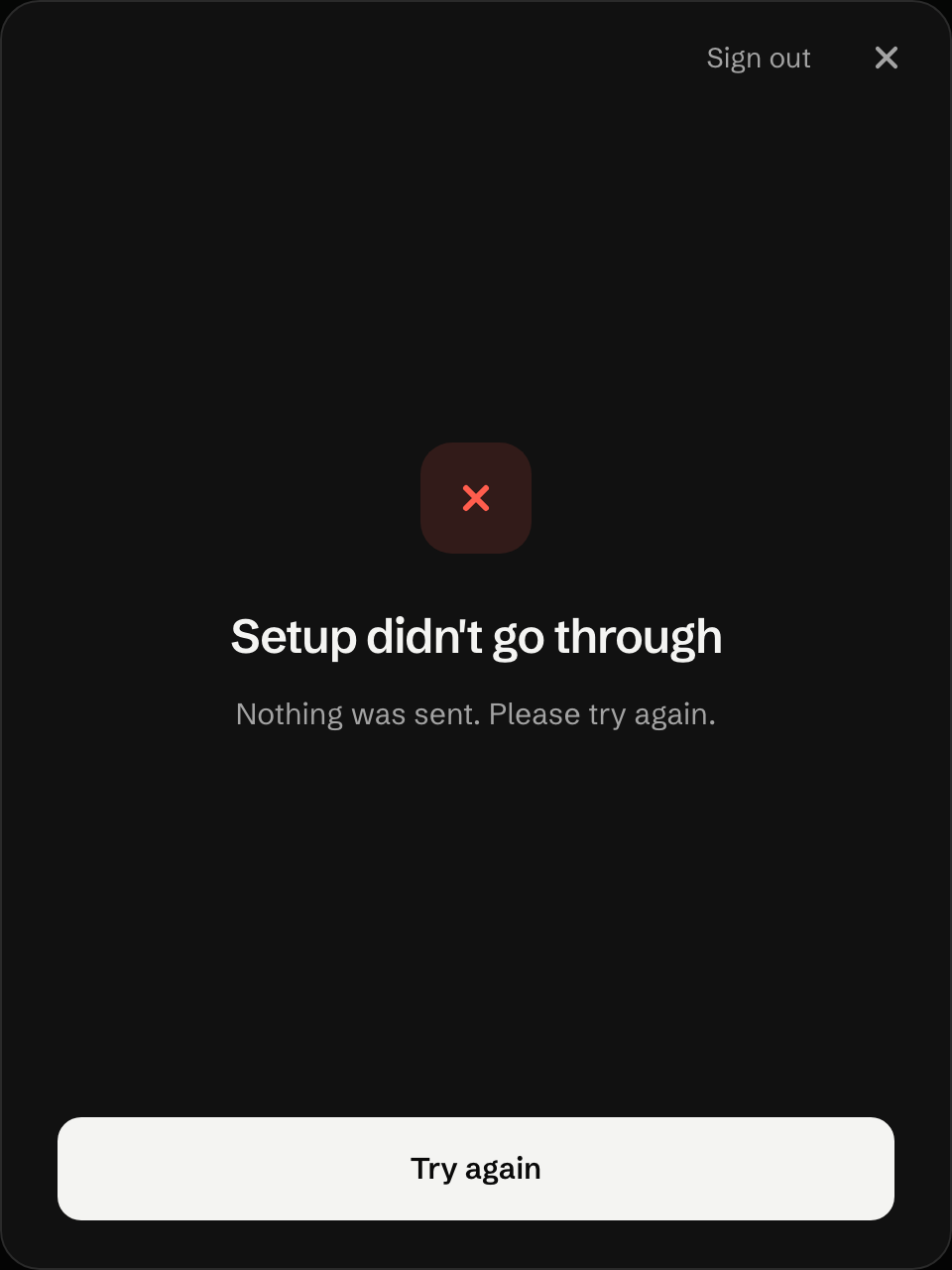
Setup said it didn't go through, or Finish setup asks you to add funds a second time. Check whether the account exists before you pay again.
What happened
Section titled “What happened”The account may well exist. After your wallet answers, the app watches the chain and carries on as soon as the account appears, so this message can show while the account is still landing. Three cases end here:
- Your wallet signed with a different account from the one you signed in with. The new trading account belongs to the account that signed.
- The wallet approved after the app stopped watching, for example a phone wallet left open for several minutes.
- You closed the setup screen while the account was still being created, then pressed Finish setup before it landed.
What to do
Section titled “What to do”- Don’t pay again until you’ve checked. Wait a minute, then reload the page or press Finish setup. Both look at the chain again, and if the account is there the app moves on to setting up this device.
- Open the account menu. If it shows a line starting trading · and a balance, your account exists and setup worked.
- If it doesn’t, check your wallet’s history for the transaction that created the account, and note which wallet account signed it. Sign out, then sign in with that account.
- Still asked to add funds? Contact Support with the wallet account and the time.
If you did confirm a second time, the factory refuses to make a second account for the same wallet, and that deposit goes back to the wallet.
Your funds
Section titled “Your funds”The NEAR from your first confirmation sits in the trading account of whichever wallet account signed it.
Last verified 15 October 2026 against R4.