
Limit and 24/7 orders
Place a limit buy or sell, attach take-profit and stop-loss exits to a buy, turn on 24/7 orders, and read the Orders screen and its Needs you cards.
An order waits for a price and then trades on its own. There are two kinds: a limit buy or sell at a price you set, and an exit plan, the take-profit and stop-loss sells you attach to a buy. Both are stored in your trading account when you place them. With 24/7 orders on, our order service sends them when the price is reached, even with the app closed.
Turn on 24/7 orders
Section titled “Turn on 24/7 orders”The first time you place an order, the app offers it once:
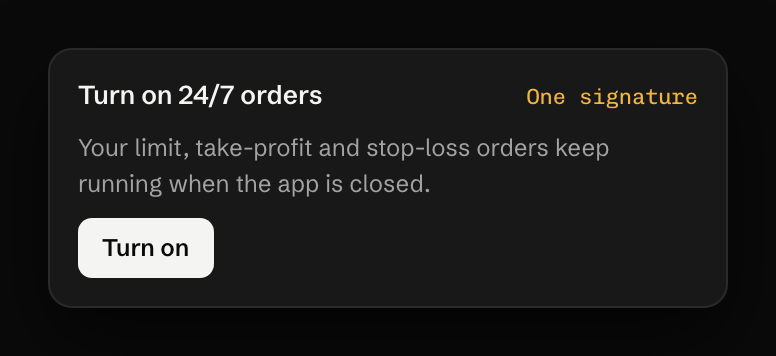
That key can call one method on your account, the one that sends a stored order. Without it, orders only run while UNRLZD is open in your browser. Settings, Keys shows the state and has the switch to revoke the key, again with one wallet signature. The 24/7 order service explains what the key can and cannot do.
Place a limit order
Section titled “Place a limit order”-
In the ticket, pick Buy or Sell, then Limit.
-
Set the price, or press an offset from the current one: −5% −10% −20% for a buy, +10% +25% +50% for a sell. You receive is worked out at your limit price.
-
Set the amount and press the button, for example Place limit · Buy 5 N of MOSS.
A limit buy above the current price would fill at once, so the ticket says so instead: “At or above the price now, so it would buy at once. Use Market to buy now.”
Attach an exit plan to a buy
Section titled “Attach an exit plan to a buy”The Exit plan block under a buy reads “Sells automatically once this buy fills”. The preset takes profit at +100% by selling half and stops the loss at −35% by selling the rest. Tap a tile to change it: stop loss 20, 35 or 50% or off, take profit 50, 100, 200 or 400%. Custom allows up to five take-profit levels by percent, market cap or price. A stop loss sells with up to 30% slippage by default, adjustable from 5 to 50%, so that it fills in a falling market.
The Orders screen
Section titled “The Orders screen”The tiles across the top count Active orders, Value watched, Fired today / 7d, Needs you and the 24/7 state. The list has tabs for all orders, exit plans and limit buys, and each order shows Active, Paused, Needs you, Failed, Filled or Cancelled.
Cancelling asks once: “It stops watching. Nothing is sold and nothing is sent.” Choose Cancel it or Keep it.
When an order needs you
Section titled “When an order needs you”An order that can’t be sent as stored doesn’t trade anyway. It waits under Needs you with its reason, and most reasons clear by themselves once the cause is gone:
| You see | What to do |
|---|---|
| “Your trading account needs about 0.3 NEAR free to send this order. The network refunds almost all of it. Add NEAR and it runs on its own” | Deposit a little NEAR |
| “Not enough NEAR in your trading account to fill this buy. Add NEAR and it fills on its own” | Deposit, or cancel the buy |
| “Not enough NEAR in your trading account to fill this sell. Add NEAR and it fills on its own” | Deposit a little NEAR |
| “Couldn’t confirm the price on chain: the pool is too thin for this order” | Wait, or sell at market |
| “No route can fill this order right now: no pool trades it on the order’s DEXes” | Re-place it, or sell at market |
| “The price moved past your limit before it could fill” | Nothing; it keeps watching |
A stop loss that the price jumped past gets its own card, with Sell at market and an option to wait for a deeper level. 24/7 buys don’t fire on tokens with a tax above 11%.
What it costs
Section titled “What it costs”Placing an order moves no money. The account stores it, which takes a little storage (under 0.004 NEAR) and the gas of one call. When an order fills, the 0.75% fee and the gas are the same as a trade you send yourself. Each send needs about 0.3 NEAR free while it signs, and almost all of that comes back. An account holds at most 64 open orders, each for up to 90 days.
Last verified 15 October 2026 against R4.