
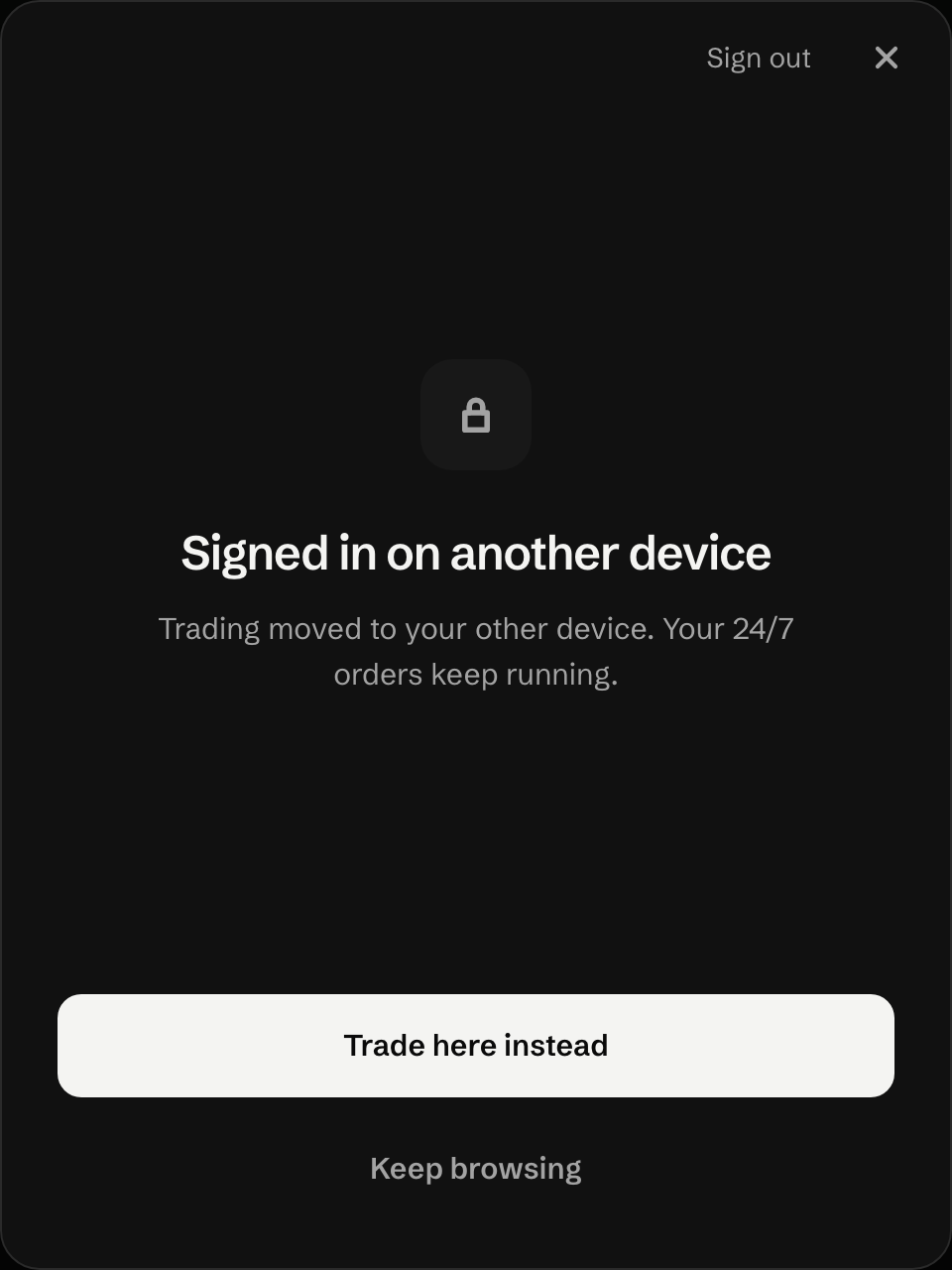
Signed in on another device
UNRLZD says trading moved to your other device. Why one account trades from one device at a time, and how to switch back.
What happened
Section titled “What happened”A trading account trades from one device at a time. When you set up trading on another device, its new key replaced this one, so this browser can’t sign trades any more. Setting up the other device doesn’t warn that this one stops.
The app shows this screen only when this browser’s key is gone from your account. If the key is still listed there, the app skips this screen.
What to do
Section titled “What to do”-
To trade here, press Trade here instead and approve once in your wallet. The other device stops trading.
-
To only look around, press Keep browsing.
Your funds
Section titled “Your funds”Untouched. Switching devices changes which browser holds the trading key. Your 24/7 orders keep running either way.
Last verified 15 October 2026 against R4.