
Asked to set up this device again
UNRLZD shows New device and asks you to confirm in your wallet, on a browser you already used. Why the trading key went missing and how to get it back.
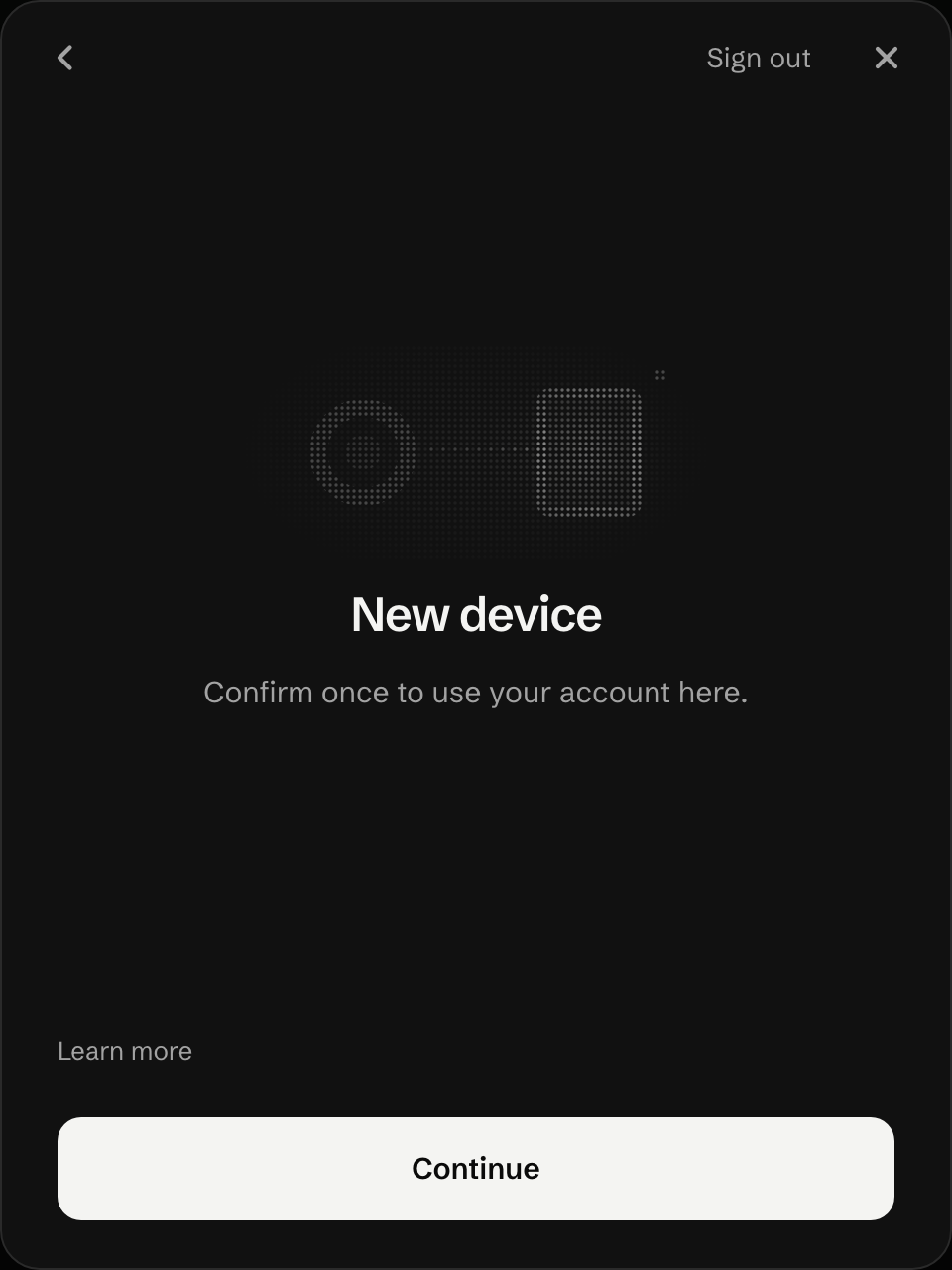
If this browser’s key is still listed on your account but the browser deleted its copy, the screen says so instead:
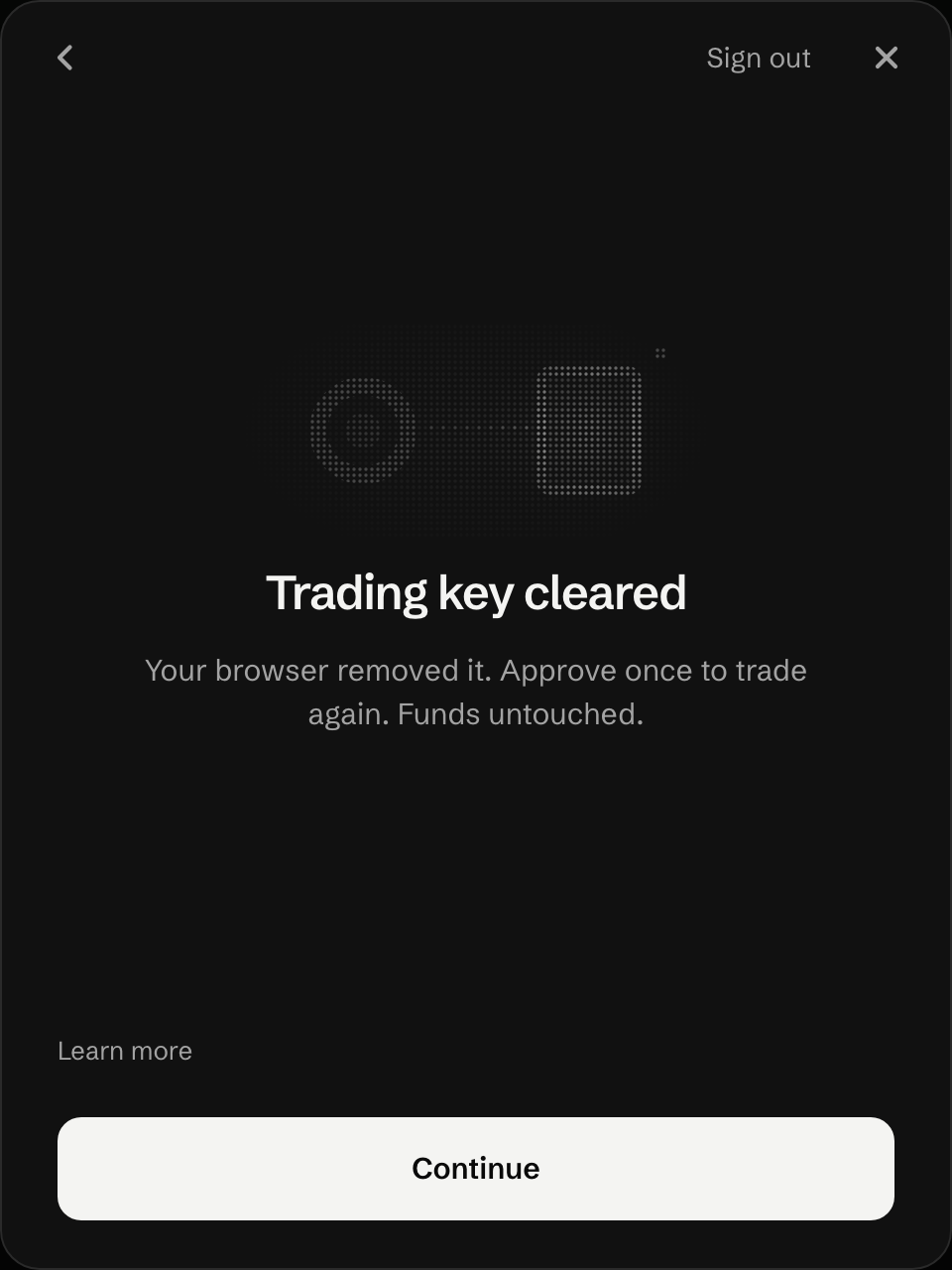
What happened
Section titled “What happened”Your trading key lives in this browser’s storage, inside the signer frame. The browser deleted it, so the app treats this browser as a new device.
These delete it:
- iPhone and iPad, any browser, and in-app browsers in wallet apps. They keep the signer frame’s storage in memory only. It is gone when the system closes the browser in the background.
- Safari on a Mac after it quits, and after seven days without a visit to the site.
- Clearing site data or using a private window, in any browser.
This is the case we see most often.
What to do
Section titled “What to do”-
Press Continue.
-
The signer frame shows one button. Press it (Turn on trading). That makes a new key for this browser.
-
Approve once in your wallet. This adds the new key to your account.
Re-check at launch
iPhone key home: if the signer change that keeps the key on iPhone and iPad ships in R4, these browsers show Locked after the system closes them, and one tap on Unlock trading opens “Unlocking trading…” with no wallet approval. Confirm on launch day which of the two flows R4 has, then keep one.
Your funds
Section titled “Your funds”Untouched. They are in your trading account on chain, and a new key changes nothing about them. 24/7 orders keep running while no device is set up.
Type your recovery phrase only into your own wallet app, never into a web page that asks for it.
Last verified 15 October 2026 against R4.