
New device and recovery
Set up trading in a new browser with one button and one wallet approval, why a browser can lose its trading key, and what to do when a device or your wallet is lost.
Your trading account lives on chain; the trading key that signs your trades lives in one browser. A new browser, a new phone or a browser that deleted its storage needs a key of its own: one button makes it and one wallet approval adds it to your account. A trading account trades from one device at a time, so that same approval takes the keys of your other device off it.
Before you start
Section titled “Before you start”- Your owner wallet is at hand: the NEAR wallet, EVM wallet, Solana wallet or passkey you signed up with.
- A normal browser window. A private window deletes the key when it closes. So do iPhone and iPad browsers when the system closes them in the background; see Asked to set up this device again.
Set up a new device
Section titled “Set up a new device”-
Sign in on the new device. The app looks for this browser’s key on your account and, not finding it, shows “New device” and “Confirm once to use your account here.” Press Continue.
-
Set up this device shows the signer frame, which runs on its own web address. Press Turn on trading inside it.
-
Your wallet opens with “Adds this device to your account. Free.” Approve it once.
The key for 24/7 orders isn’t touched.
Trading key cleared
Section titled “Trading key cleared”If your account still lists this browser’s key but the browser deleted its copy, you see “Trading key cleared” and “Your browser removed it. Approve once to trade again. Funds untouched.” The steps are the same as for a new device.
Lock and unlock
Section titled “Lock and unlock”Lock trading in the account menu locks the key without deleting it. Unlock trading, pressed in the signer frame, opens it again with no wallet approval.
Sign out and forget this device deletes the key in this browser only and signs you out. Next time you sign in here, you approve once again, as on a new device.
A lost device
Section titled “A lost device”Set up trading on any other device. Its approval removes the lost device’s keys from your account, and NEAR then refuses anything they sign. Until then, a lost device with trading unlocked can trade within your account’s rules, but its key can pay withdrawals only to your owner wallet and your saved addresses. Risks covers this case.
A lost wallet
Section titled “A lost wallet”Your owner wallet is the root of your account, and we can’t restore it. Recover it through its own backup, then sign in again:
- NEAR wallet: “Recover your NEAR wallet with its own backup and sign in again.”
- EVM or Solana wallet: “Restore your wallet with its recovery phrase and sign in again.”
- Passkey: “Recover your passkey through iCloud or Google, then sign in again. Adding a second login in Settings is a good idea.”
Type your recovery phrase only into your own wallet app, never into a web page that asks for it.
What you should see
Section titled “What you should see”After the approval, the app opens with trading unlocked. Your other device then shows:
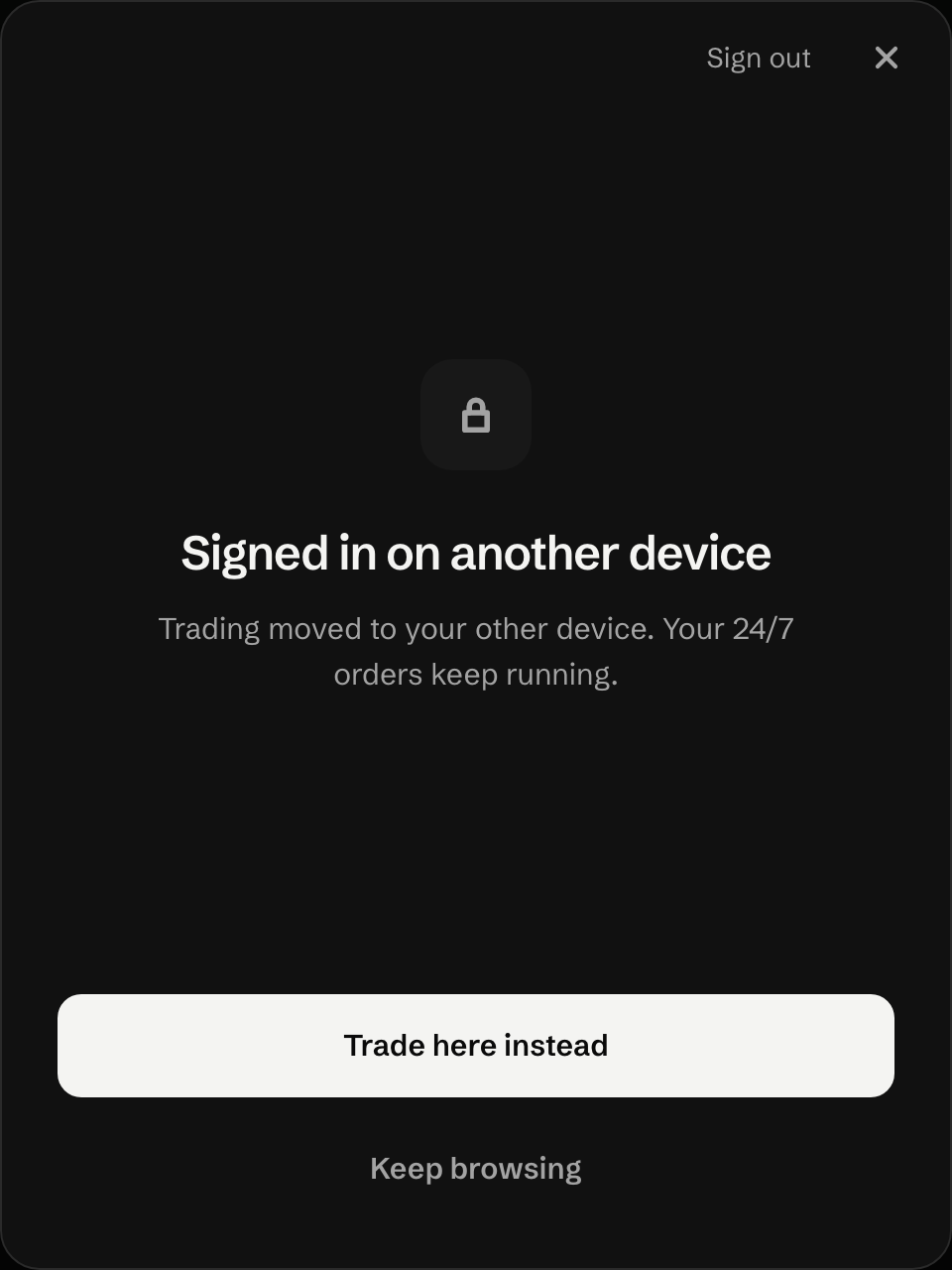
If it does not work
Section titled “If it does not work”- The app asks you to set up a browser you already used: Asked to set up this device again.
- The other device shows “Signed in on another device”: Signed in on another device.
- Trading shows Locked: Trading shows Locked.
- The signer frame says “Couldn’t load.” Press Retry. Your funds don’t move.
What it costs
Section titled “What it costs”Adding a device has no UNRLZD fee. With a NEAR wallet, your wallet pays the network gas for the one approval, as for any transaction it signs, plus 1 yoctoNEAR (10⁻²⁴ NEAR) on each key call. See Fees and costs.
Last verified 15 October 2026 against R4.